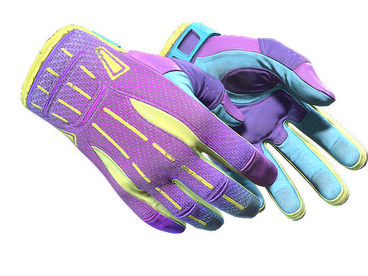
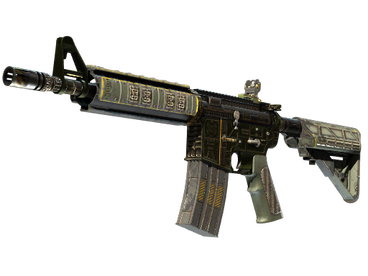
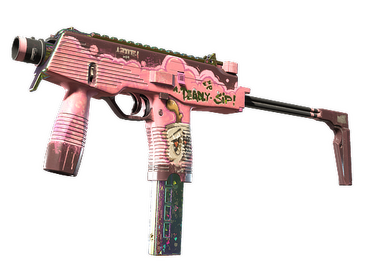
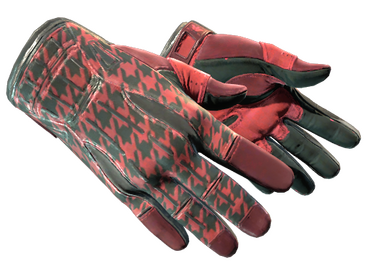
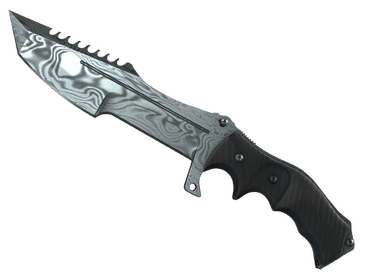

CSGO.NET Cases: Free, Limited, Premium & Themed CS2 Cases
Browse the main CSGO.NET case categories in one place. The live catalog can include free cases, limited editions, premium themes, mining and bonus cases, custom formats, standard Counter-Strike cases and map collections.
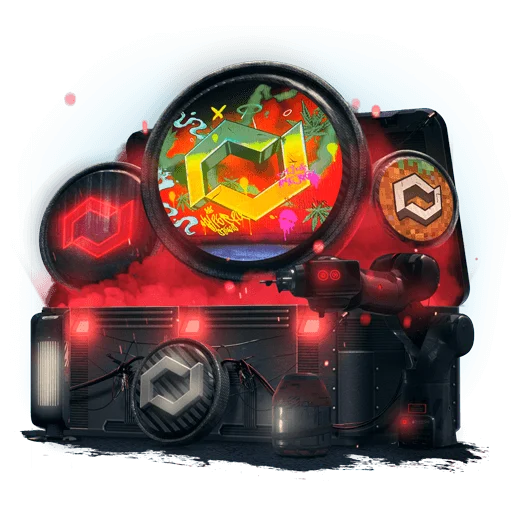


What Types of CSGO.NET Cases Are Available?
The catalog is divided by access, theme and item pool. These categories can appear together in the live interface, while exact prices, names and timers may change.

Free CSGO.NET Cases
Free cases appear as a separate catalog line. A “free” label describes the displayed opening cost; account activity, promotions or other live conditions can still affect access.
Check current free cases →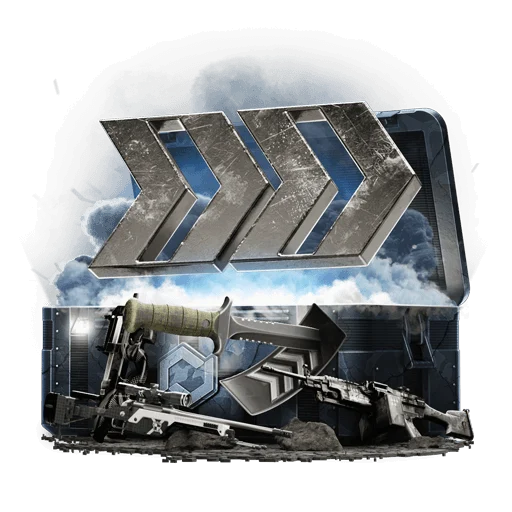




Limited Edition and Event Cases
These cases can be linked to countdowns, seasonal events or temporary catalog windows. The visuals below show the variety of limited formats rather than a permanent list.



Premium CSGO.NET Cases
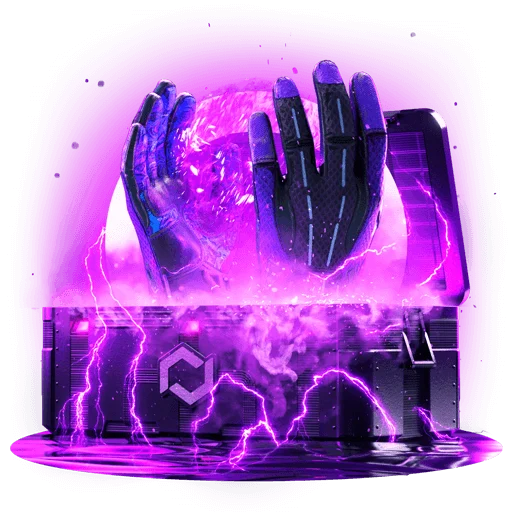
Premium cases use more elaborate themes and higher-priced catalog positions. The label describes the case line, not a guarantee of a particular result.



More Ways to Browse CSGO.NET Cases
The catalog also groups cases by mechanics, creators, item rarity and special themes. Instead of repeating one long grid, these sections highlight what makes each range different.
Mining Cases
Weapon- and rarity-themed case lines with distinctive color treatments.

Blogger’s Cases
Creator-themed case artwork and branded catalog entries.


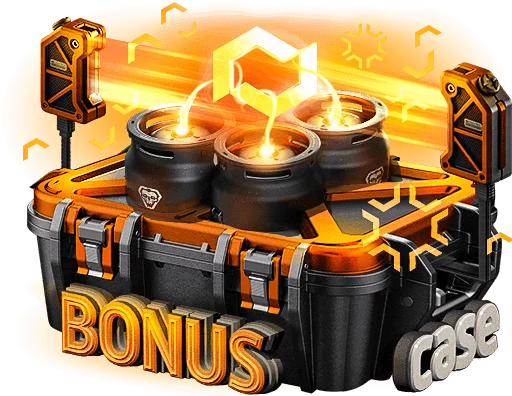
Bonus Cases
Special case lines linked to bonus points and reward mechanics.
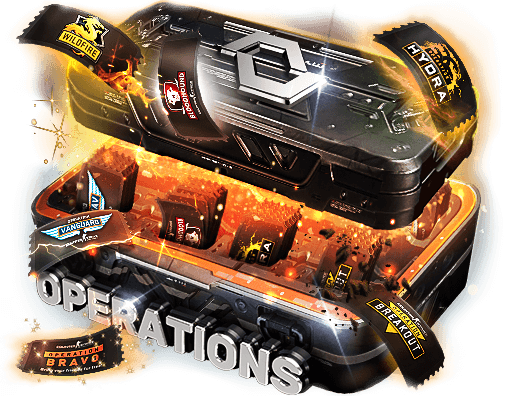
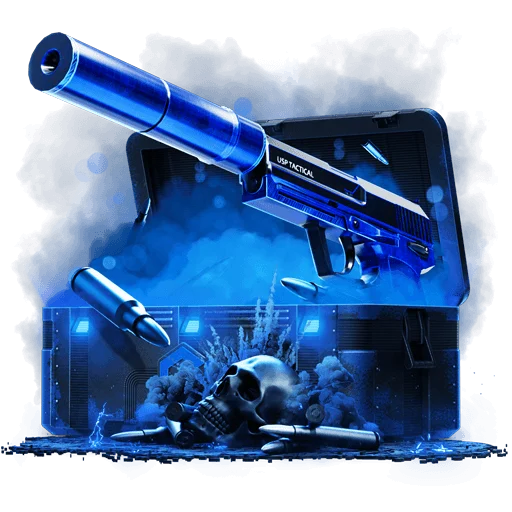
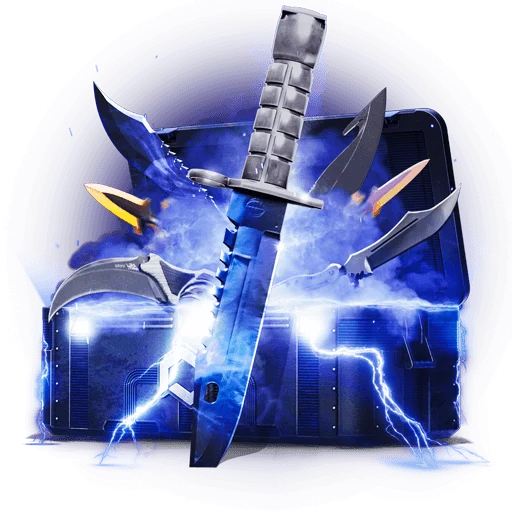
Custom Cases
Rarity-, weapon- and theme-specific formats outside classic CS case styling.
Standard Cases and Collections
Standard Cases
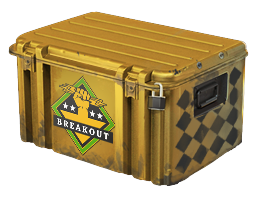
Standard cases use familiar Counter-Strike container artwork and are the closest part of the catalog to classic CS case browsing.
Browse standard cases →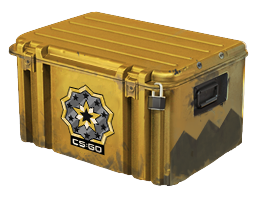
Collections
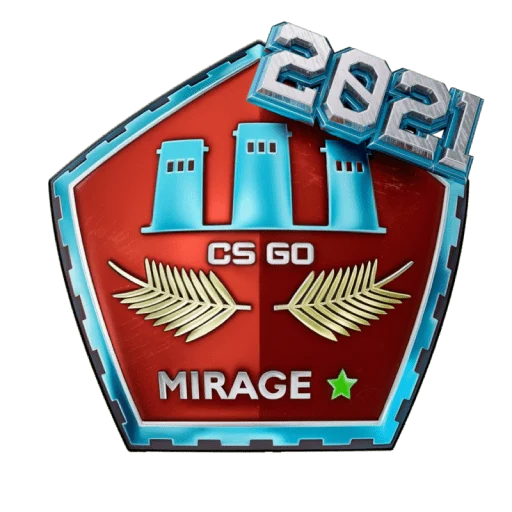
Collections organize inventory around map or collection identities. The live lineup can change as the catalog is updated.
Browse collections →


How CSGO.NET Case Opening Works
The item pool changes from case to case, but the basic flow is simple.
Pick a category, theme or price point from the live catalog.
Review the items shown for that case before opening.
The case-opening result selects one item from its listed pool.
Use supported account tools or move eligible items through Steam withdrawal.
What Happens After a Case Opens?
A case result becomes part of the inventory associated with the account. Depending on the item and available account tools, it can be kept, used with features such as Upgrade, or moved through the Steam withdrawal flow.
Daily Set, giveaways and cashback use separate reward mechanics and are covered under Bonuses & Rewards.

How to Choose a CSGO.NET Case
There is no single best case for every player. Compare the current price, listed inventory, availability window and access mechanic before opening.
Compare the live opening cost.
Check the actual item pool.
Watch timers and limited windows.
Separate free, paid and reward-linked cases.
CSGO.NET Cases FAQ
What types of CSGO.NET cases are available?
The catalog can include Free Cases, Limited Edition and event cases, Accessories, Mining Cases, Premium Cases, Blogger’s Cases, Bonus Cases, Custom Cases, Standard Cases and Collections.
Are all CSGO.NET cases available all the time?
No. Limited releases, event timers and catalog updates can change which cases are visible. The live case page is the source for current availability.
Are free cases part of the CSGO.NET promo code?
Not automatically. Free cases and account rewards can have their own access rules, while the promo-code offer follows its own registration and deposit conditions.
Do premium cases guarantee a more valuable skin?
No. Premium describes the case line and price level, not a guaranteed result. Check the listed inventory before opening.
What can I do with an item after opening a case?
Eligible inventory can be managed through the account, used with supported platform tools or withdrawn through the available Steam flow.