
CSGO.NET Withdrawal: Move Eligible Skins to Steam
Eligible inventory can be accepted to the Steam account connected to your Personal Account when the required Steam and account settings are in place. The User Agreement also explains the claim window and what happens if inventory remains unclaimed.
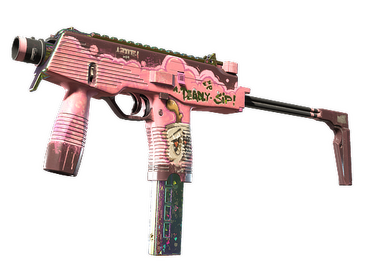
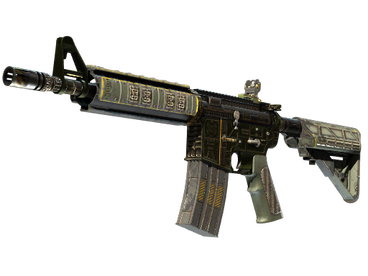
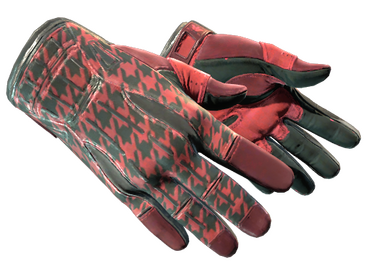
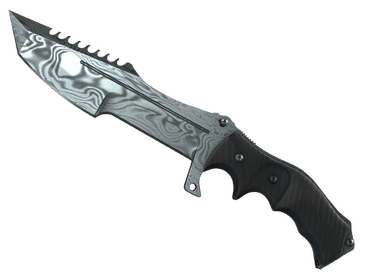
Personal Account
Accept the trade when the required settings are complete.
How CSGO.NET Withdrawal Works
Connect Steam
Use the Steam account linked to the Personal Account and keep the required trade settings current.
Choose Eligible Inventory
Select an item in the Personal Account that can be accepted to the connected Steam account.
Use Claim / Receive
The User Agreement describes the claim/receive action beside eligible inventory.
Accept the Steam Trade
Once inventory is accepted to Steam, the trade is generally treated as final under the agreement.
The One-Month Inventory Window
The User Agreement states that inventory received through a case and shown in the Personal Account can be taken to the Steam account within one month, subject to the required Steam and Personal Account settings.
If received inventory is not accepted to Steam, the agreement also provides an on-site disposal route for bonus points. It further states that inactivity for one month can result in unclaimed inventory being sold under those terms.
This is an inventory claim window, not a promise that every Steam trade will be delivered within a specific number of minutes or hours. Steam availability, trade protection and account settings still matter.
Before You Withdraw
Steam Account
Use the same Steam account connected to the CSGO.NET Personal Account.
Trade Settings
Keep the required Steam trade details and settings current before attempting a transfer.
Eligible Inventory
Only inventory that the Personal Account presents as claimable should be expected to move through the Steam transfer flow.
Final Trades
The agreement says that after RECEIVE and Steam acceptance, cancellation is generally not available.
What If I Do Not Claim a Skin?
The User Agreement gives users an alternative to accepting received inventory into Steam: inventory that has not yet been accepted can be disposed of for bonus points at the value shown in the Personal Account.
The same agreement states that if the user takes no action for one month, the received but unclaimed inventory is treated as sold under that bonus-point route. Those bonus points are described as non-cash and non-refundable.
Withdrawal FAQ
Can I withdraw CSGO.NET skins to Steam?
Eligible inventory can be accepted to the Steam account connected to the Personal Account when the required settings are complete.
How long do I have to claim an item?
The User Agreement states a one-month window from receiving the inventory through the case.
Can I cancel after accepting the Steam trade?
The agreement says that after RECEIVE is clicked and the inventory is accepted into Steam, cancellation is generally not permitted, with exceptional cases reviewed individually by support.
What happens to unclaimed inventory?
The agreement provides an on-site disposal route for bonus points and says inactivity for one month can cause unclaimed inventory to be treated as sold under those terms.